
Menu

.png)





<>
<>
<>
<>
<>
<>
<>
<>
<>
<>


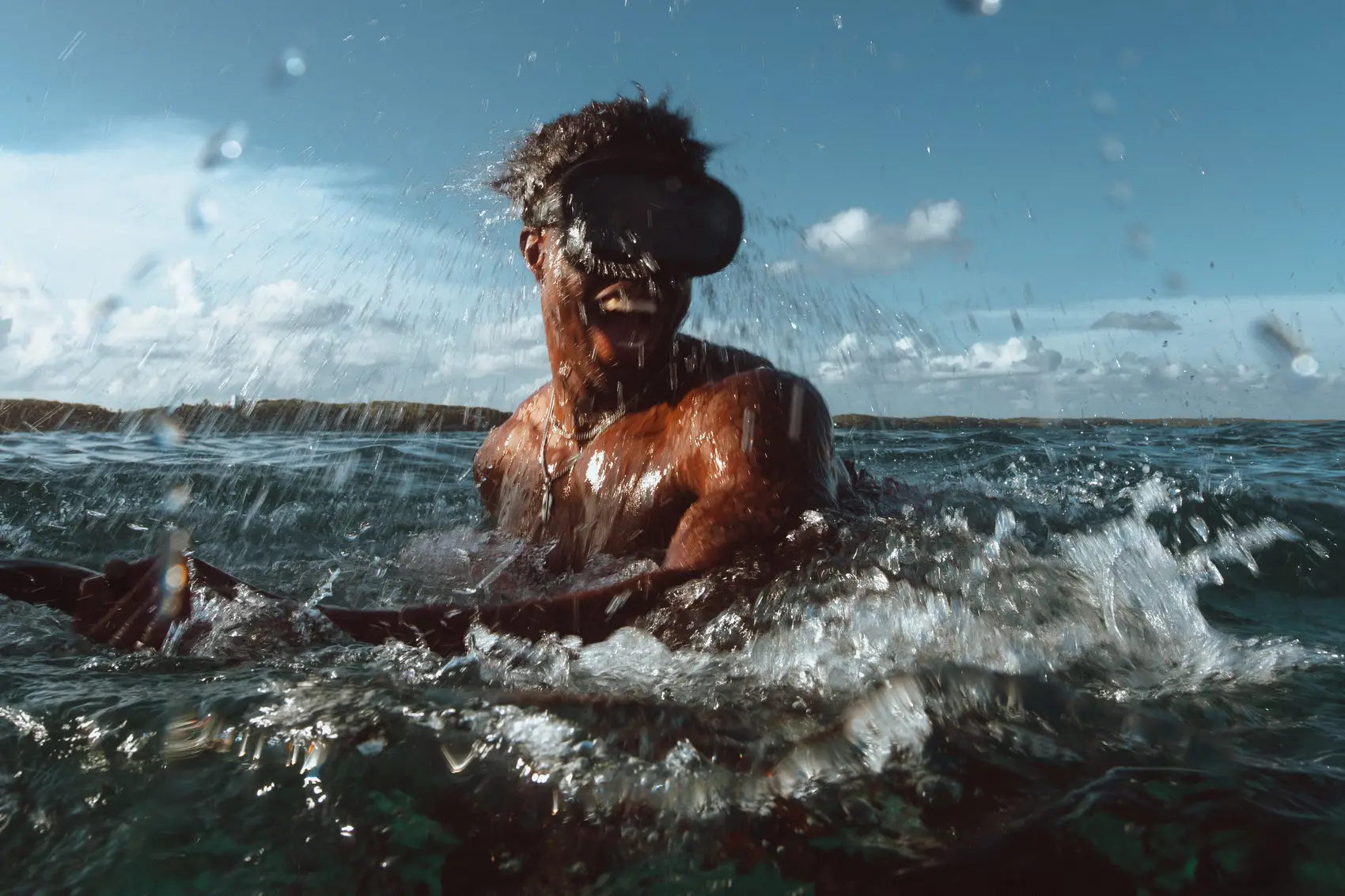
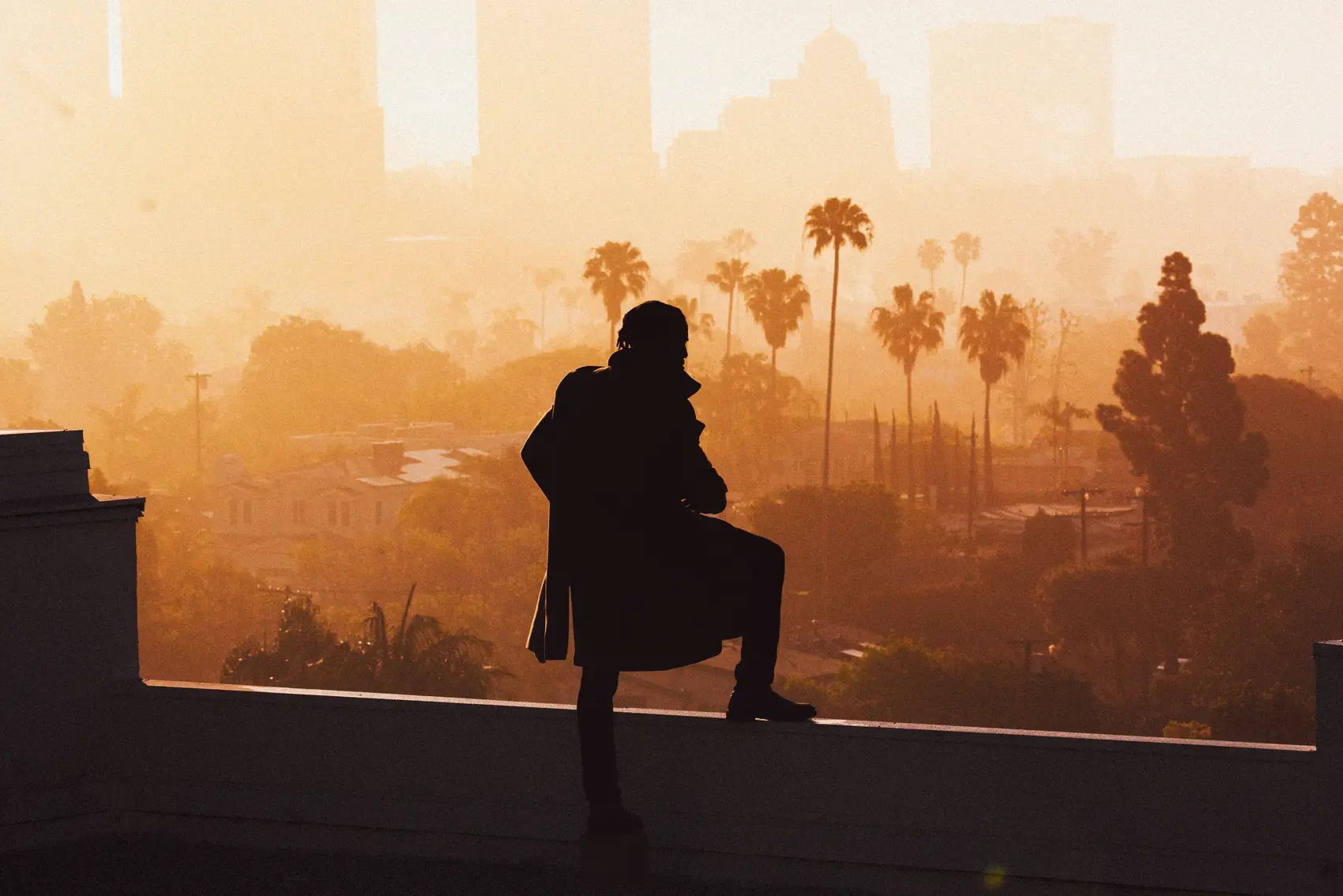
Using your presets and tuners
Q: Does it work on photos taken on a mobile phone?
A: Yes, it depends on which pack you choose.
- If you’re using the Pocket Glass pack, the presets are specifically optimized for mobile photos. These are tailored to handle the unique qualities of phone images, so they’re ready to go with minimal adjustment.
- If you’re using the Pro Glass pack, it includes presets for DSLR and mirrorless cameras but also comes with a set of presets optimized for mobile photos. You can achieve the same polished, professional look on your phone shots as you do on camera images.
- For mobile photos, keep in mind that phone images can react more strongly to presets. I recommend dialing the amount slider to around 40% for a balanced and natural finish. With a little tweaking, you’ll get the same rich, polished results across all your edits.
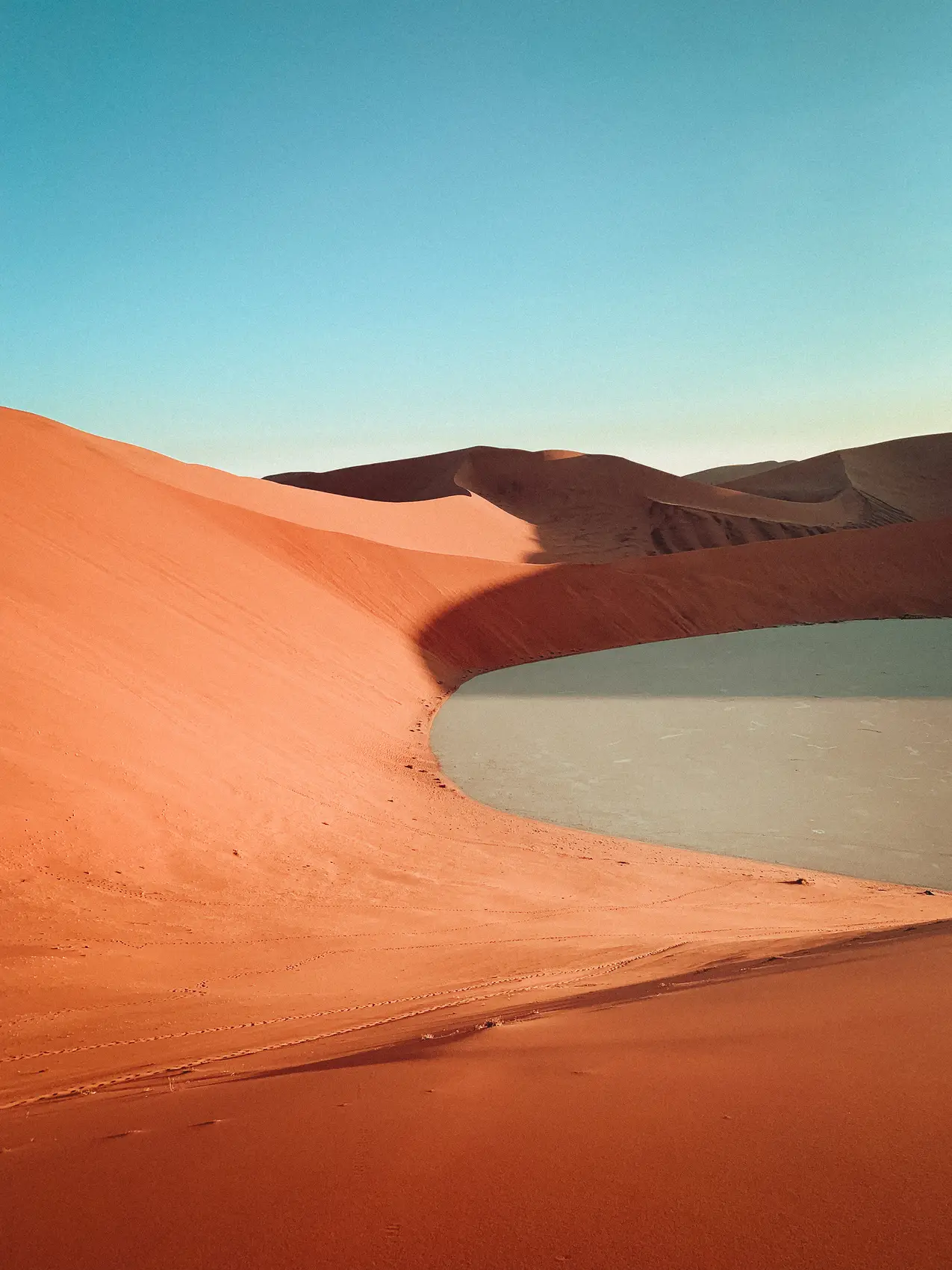
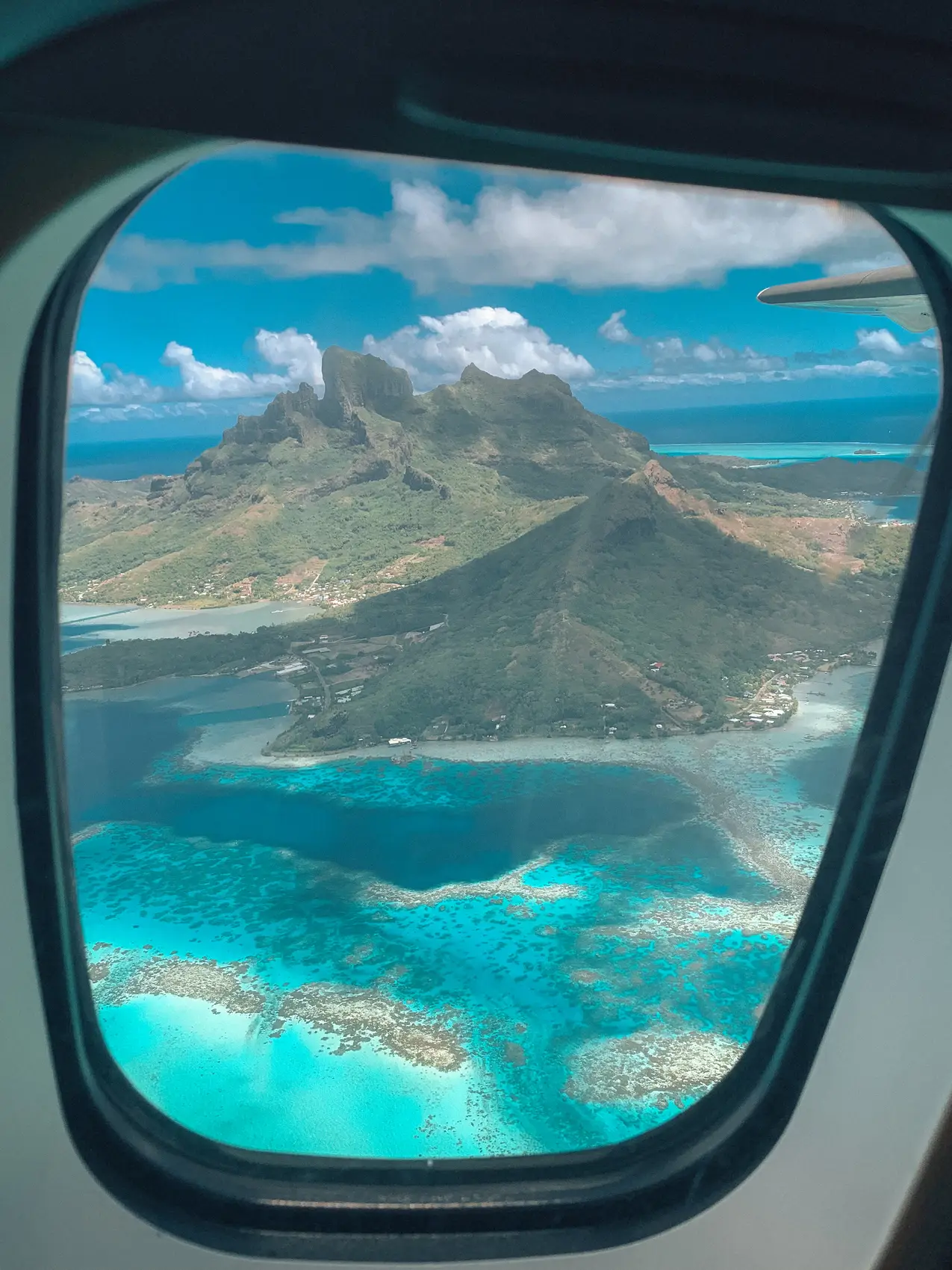
Check out the examples below to see how they enhance mobile images
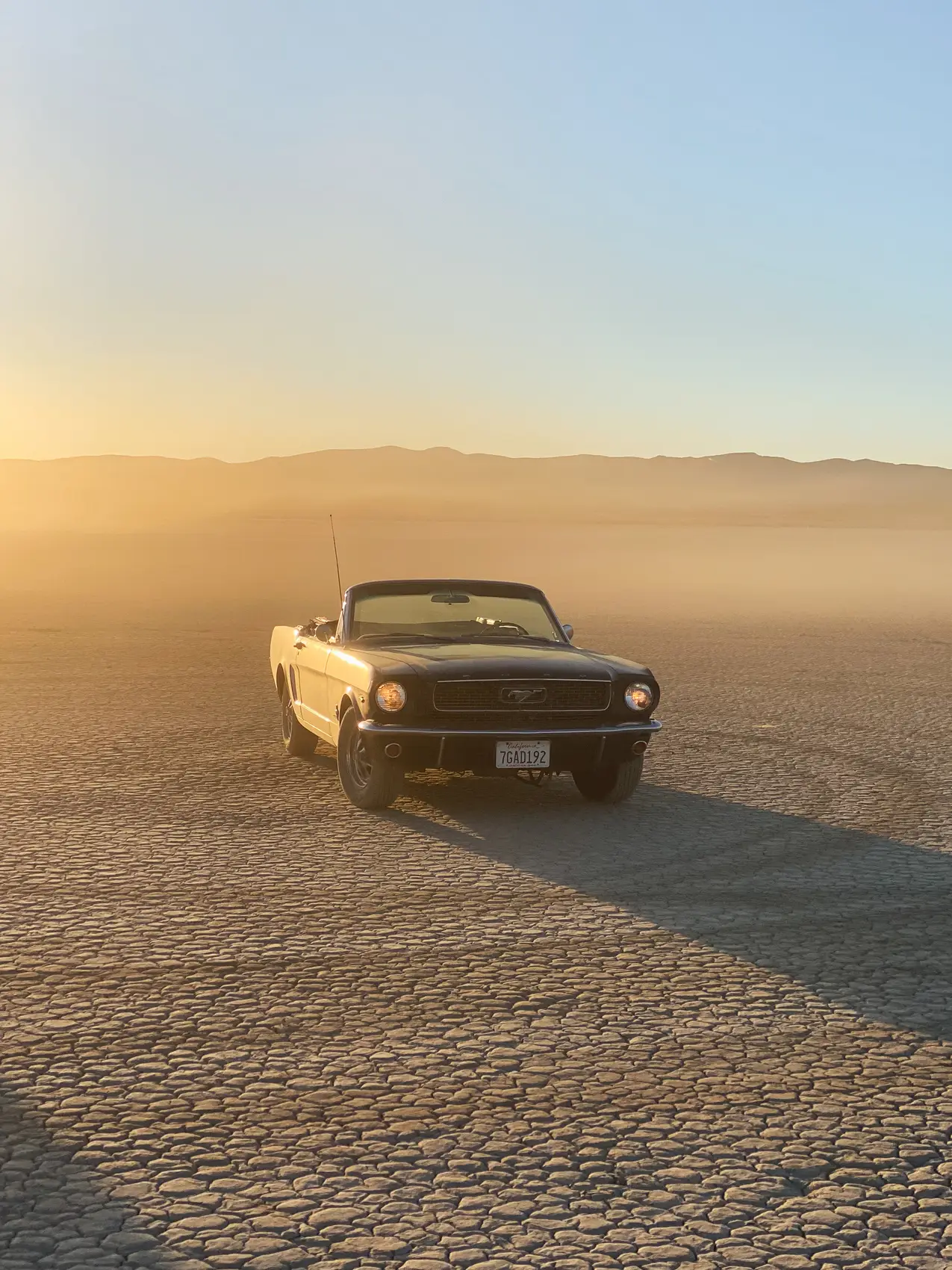
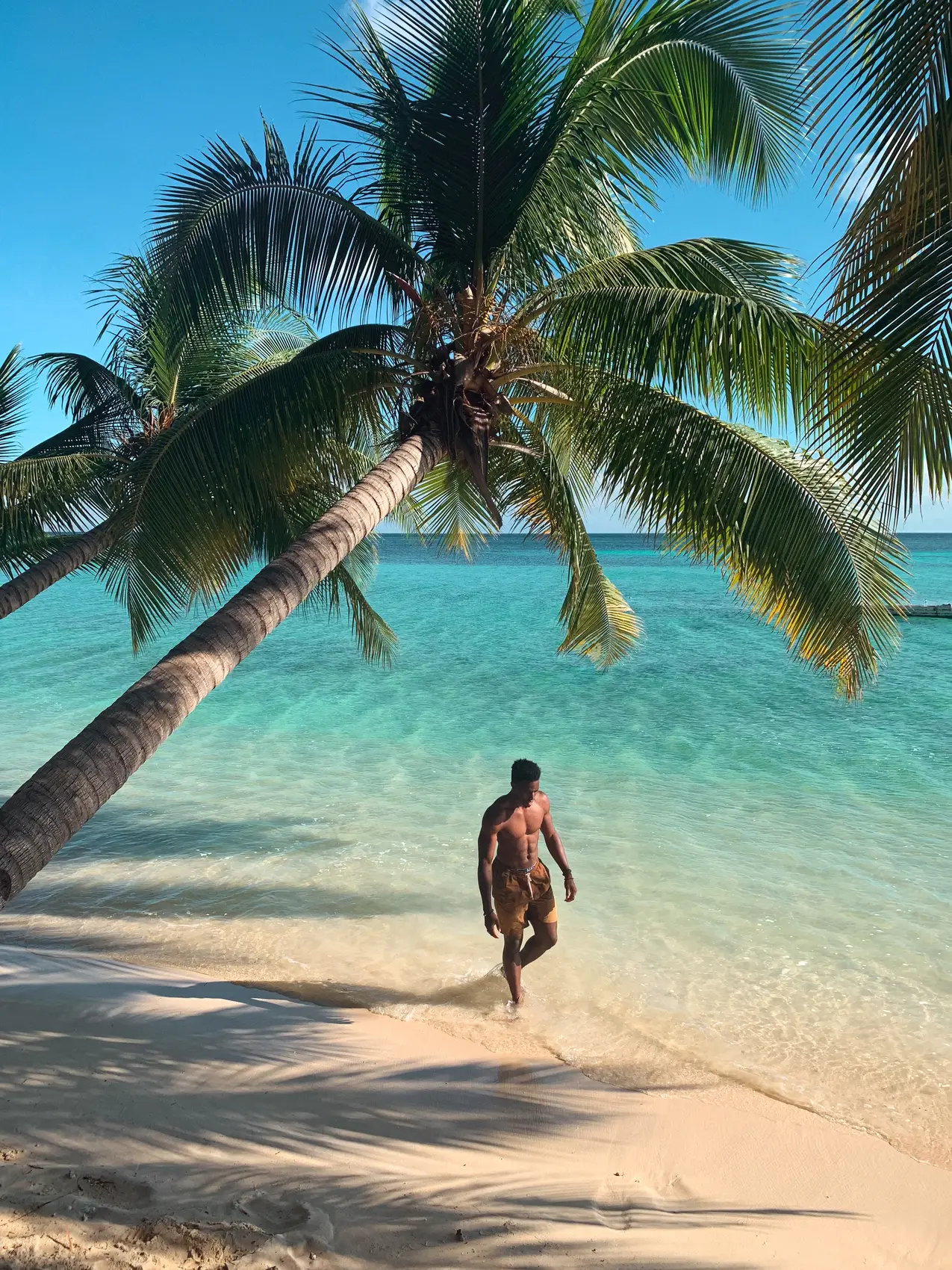
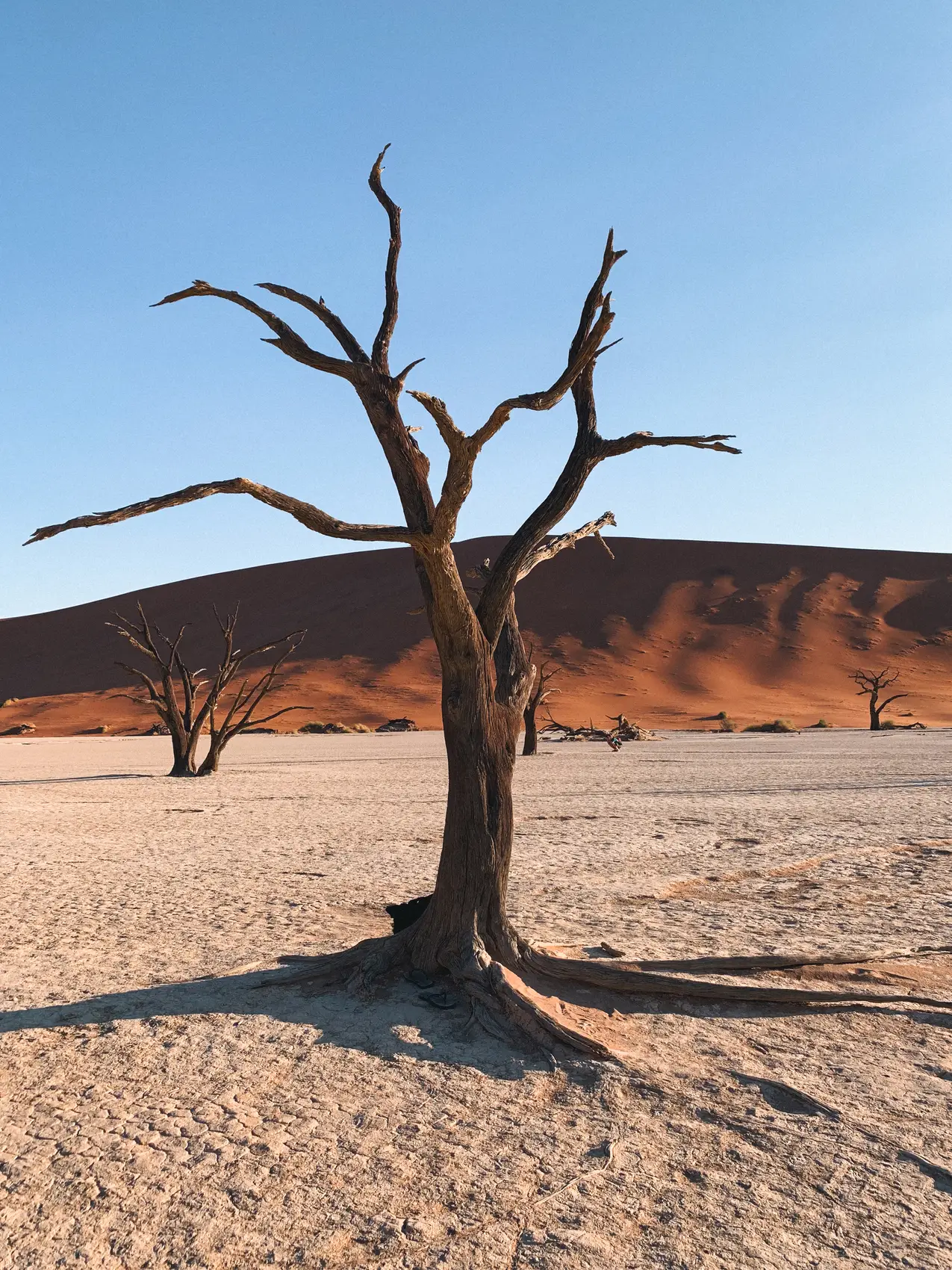
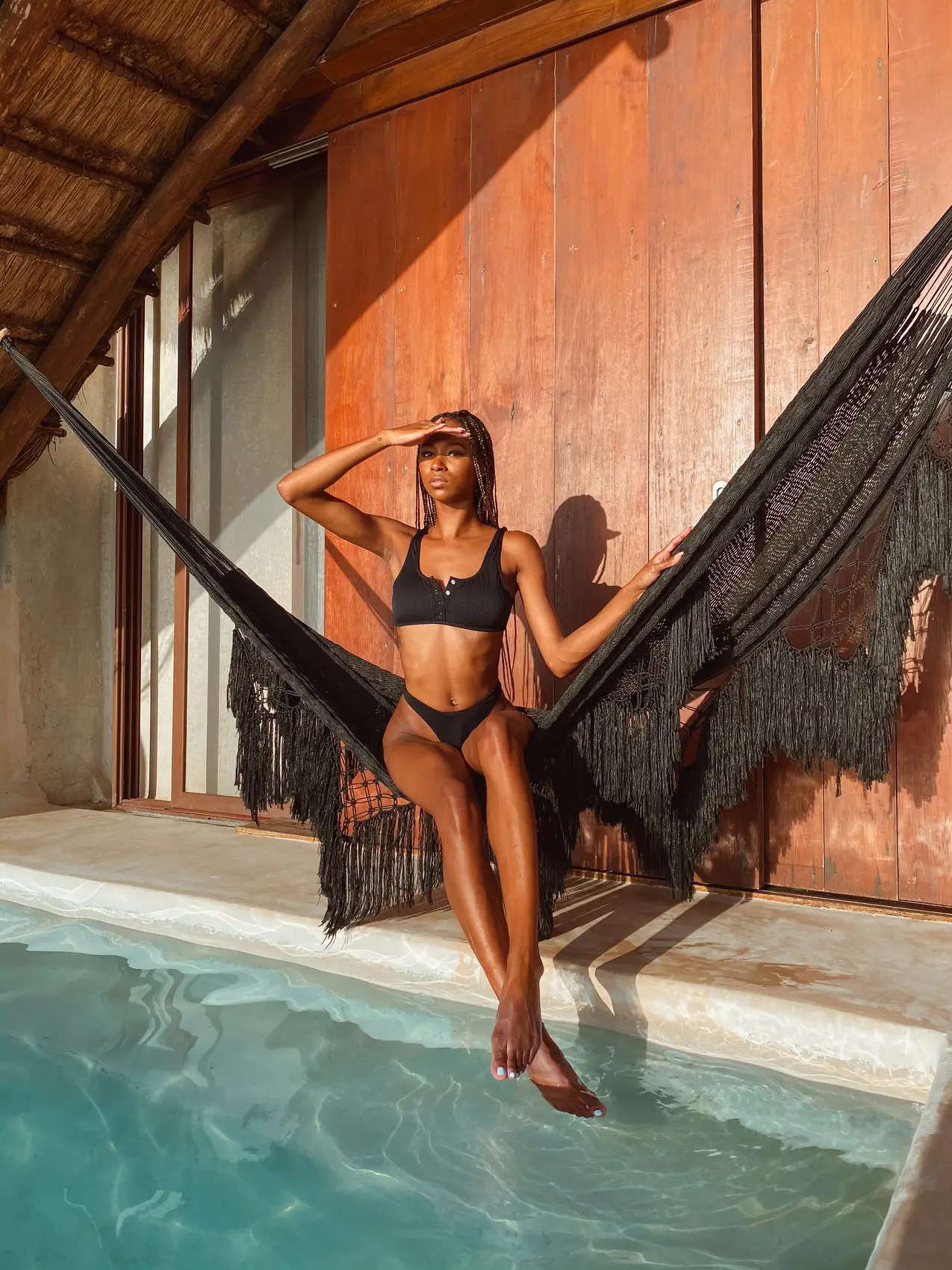
Q: How does it look on skin?
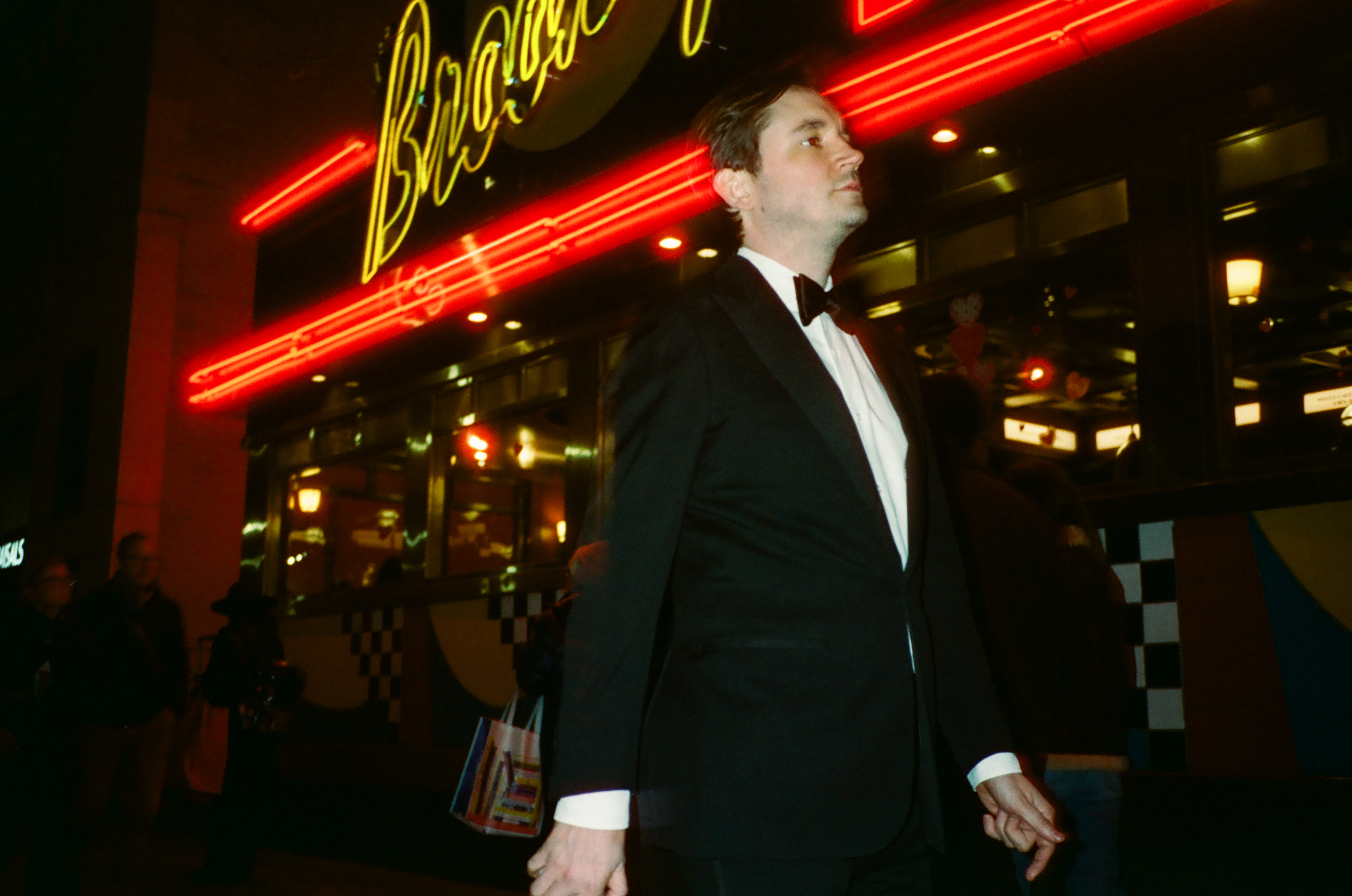
A: These presets create a unique and stylized look for skin tones. They enhance and refine skin in a way that gives your images a cohesive, creative edge while still looking natural. While they might lean bold, they’re designed to be a strong starting point that’s easy to adjust for your needs, giving your workflow consistency and character!
Q: How I install the presets on Lightroom Mobile
A: If you purchased a preset pack, you should find an instructional video included in the zipped folder you downloaded. But if you’re the “just get to the point” type, here’s a quick breakdown to get you set up. (Heads up: You’ll need an active Creative Cloud account with access to both Lightroom Mobile and Lightroom Desktop.)
First, make sure your presets are installed and visible in the cloud-based version of Lightroom Desktop (not Lightroom Classic)
Once the presets appear in Lightroom Desktop, Adobe will automatically sync them to Lightroom Mobile. Just double-check that you’re logged into the same Creative Cloud account on both apps—desktop and mobile—and let Adobe handle the rest.
Q: What are Tuners?
A: Tuners are the subtle finishing touches that refine and elevate your edits. Think of them as the seasoning for your photos—small adjustments that create a big impact on the final look. These tools are designed to target specific elements within an image, allowing you to achieve a polished, professional result without complicating your workflow.
Q: Can I share the presets with a friend?
A: Presets are licensed for individual use only, and sharing them with others isn’t allowed.Each preset file is uniquely linked to the original buyer, so any unauthorized distribution can be tracked. If misuse is confirmed, it may lead to legal consequences as outlined by intellectual property laws.
Q: What’s the refund policy?
A: Due to the digital nature of preset files, refunds, returns, or exchanges are not available. Once downloaded, these products cannot be deactivated or returned.We’re confident our presets deliver results, and we want to ensure they work seamlessly for you. If you run into any issues, don’t hesitate to reach out—we’re here to help.
Reviews
Read the latest reviews from our customer base

Mads Moch
VERIFIED USER
Makes my life easier
I loved it, as a content creator this preset really does make my life easier every day

Mathilde Gylstorff
VERIFIED USER
Harissa honestly is different
I’ve bought a stupid amount of presets over the years. Most of them look good on the sample photos and terrible on mine. Harissa honestly is different. It doesn’t hijack the image, it enhances it. Skin tones stay real. Shadows hit properly. So I love it.

Gustav J.
VERIFIED USER
Saving me time
Harissa saved me so much time. I used to overthink every grade. Now I drop it on, tweak exposure, and I’m done.

Antoine D.
VERIFIED USER
Harissa elevates my photos
It somehow makes digital feel less digital. I’ve been using it for both studio and outdoor shoots and it just holds up.

Jonas H.
VERIFIED USER
It gives my work consistency
I didn’t expect to like it this much. It’s subtle but powerful, the blacks are rich, highlights don’t blow out, and the reds? Insane. It gives my work consistency without killing the mood.
(5)

Made for Adobe Lightroom
3,800.00 USD
Mads Moch
Makes my life easier
Mathilde Gylstorff
Harissa honestly is different
Gustav J.
Saving me time
Antoine D.
Harissa elevates my photos
Jonas H.
It gives my work consistency
Pro-Glass Description
Pocket-Glass Description